Blending Face Tracking with Generative GLSL
My latest project combines several technologies I’ve been eager to explore: Three.js for 3D rendering, MediaPipe for face tracking, and Google’s Gemini API for generating GLSL shaders on the fly. The result is an interactive AR-like experience where you can apply AI-generated visual effects to video with just a text prompt.
The Vision
I wanted to create something that bridges the gap between technical shader programming and creative expression. Most shader tools require you to write complex GLSL code, but what if you could simply describe the effect you want in plain English?
That’s the core idea behind AI Shader Studio – describe the effect you want, and let AI generate the shader code for you.
Technical Stack
The app is built on a foundation of modern web technologies:
- Three.js for the 3D rendering pipeline and scene management
- MediaPipe Face Mesh for real-time face landmark detection
- Google Gemini API for generating GLSL shader code from text prompts
- Custom GLSL shaders for applying visual effects to video frames
- Vanilla JavaScript for the core application logic
The most challenging aspect was coordinating between the face tracking system and the shader pipeline. MediaPipe gives us 468 facial landmarks, but converting these into something that can drive shader effects required careful mapping between coordinate spaces.
Face Tracking Magic
The face tracking system deserves special attention. It uses MediaPipe’s Face Mesh model to detect and track facial landmarks in real-time. These landmarks are then rendered as a wireframe overlay that precisely matches the face in the video.
The AI Shader Generation Process
Perhaps the most exciting feature is the AI shader generation. Here’s how it works:
- You enter a prompt describing the visual effect you want
- The app sends this prompt to Google’s Gemini API
- Gemini generates GLSL fragment shader code based on your description
- The shader code is compiled and applied to the video in real-time
- You can refine the effect with additional prompts
The system also adds appropriate uniforms for time, resolution, and video texture, ensuring the generated shaders have access to everything they need to create dynamic effects.
Shader Insights
Working with shaders is always a fascinating journey for me. Each pixel on the screen runs through the same shader program independently, creating effects that would be impossible with traditional rendering techniques.
Some of my favorite effects from this project include:
- Particle systems that react to face movements
- Edge detection filters that highlight facial features
- Color transformation effects that respond to expressions
- Dynamic distortion fields that follow face contours
The real power comes from combining these techniques. For example, a shader can detect face edges, apply a glowing effect, then distort the surrounding video based on facial movements.
Learning Through Building
The most valuable lesson was finding the right balance between hard-coded functionality and AI-generated code. Some aspects of shader programming are too precise to leave to AI, while others benefit greatly from its creative approach.
Behind the Scenes
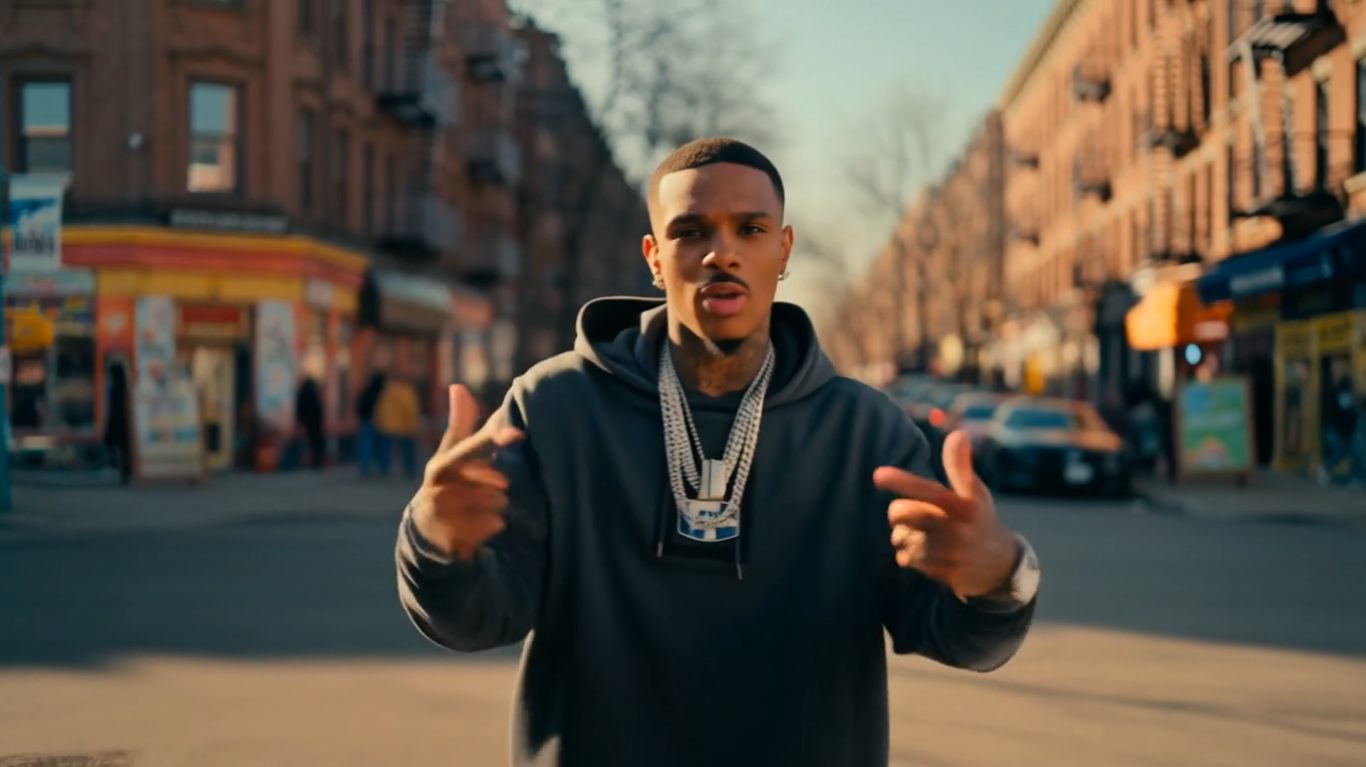
One interesting detail I should mention – the video footage used throughout this demo was actually generated by Google Veo 3. If you look carefully at the corner scene in the third video, you might notice the car is about to run into the store. I didn’t catch this until after generating, but decided to keep it as a subtle easter egg!
Feel free to reach out if you have questions or ideas for collaboration!
Happy coding (and shader generating)!