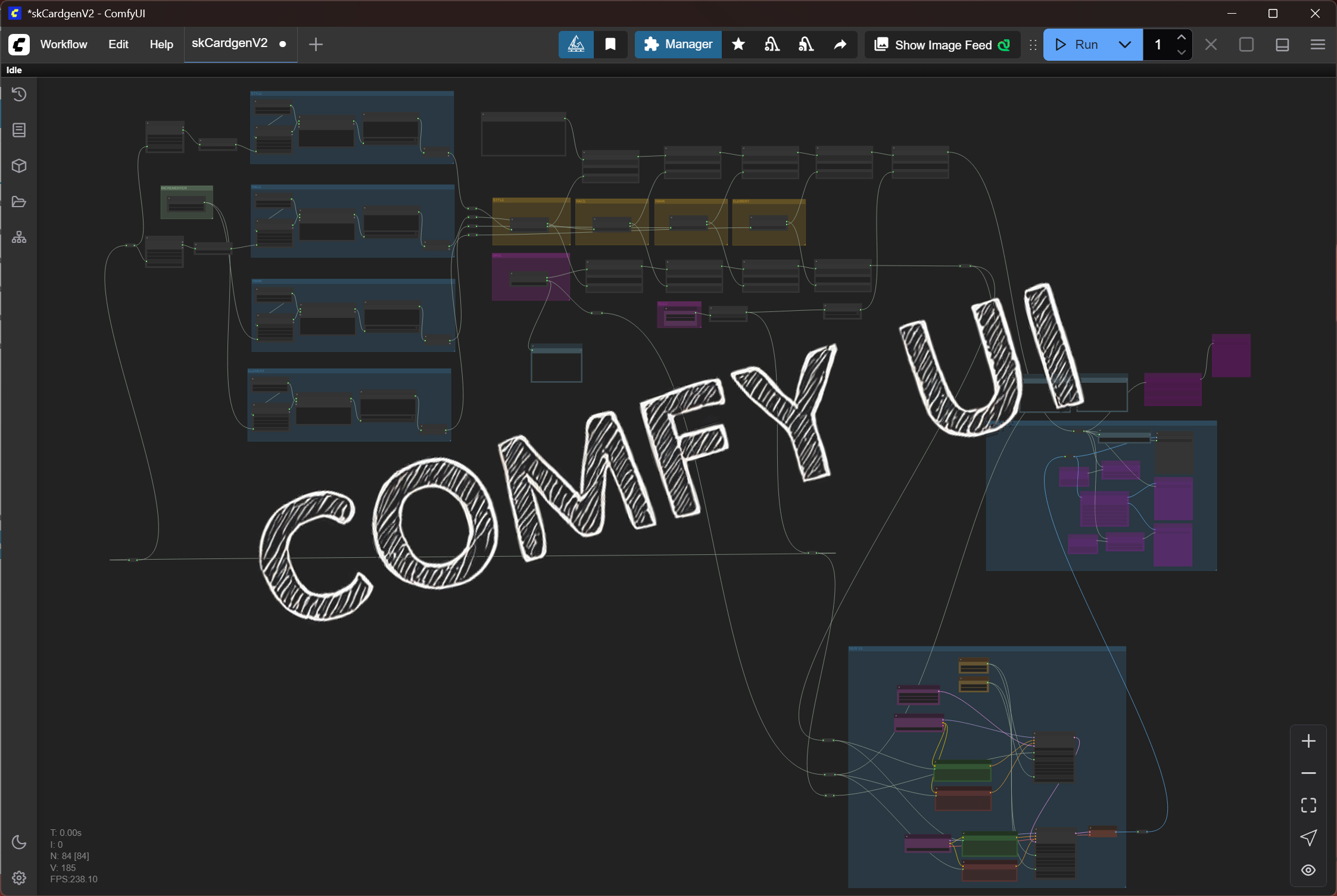
Getting Comfy…
This post shares my use of ComfyUI for a game I’m making (I have a few that I spread my attention across). This game uses a classic playing card game as its mechanic. I needed to make 52 cards (and a lot more in the future for collectability). I saw this as a great opportunity to get more into making useful ComfyUI workflows for making a game.
Note that these examples use either Stable Diffusion and/or FLUX models (I experimented with both and since this was a learning project, I needed to learn from existing workflows which used these models). For the production version, I’ll either train my own models with my own generated content & styles or use an ethically-trained model. See the AI Usage Disclosure for restrictions on the example content in this post.
Now on to the cozy wozy…
I won’t go too much in depth into how to generate the best prompt. The big learning take away for me was that certain prompts work best with specific models – probably obvious to many. Once I found a look that worked for me (along with crazy hands and all sorts of AI anatomy mistakes), the real workflow “magic” could be crafted. Those visual problems are likely solvable with refining, upscaling, better conditioning and ControlNets to achieve better quality.
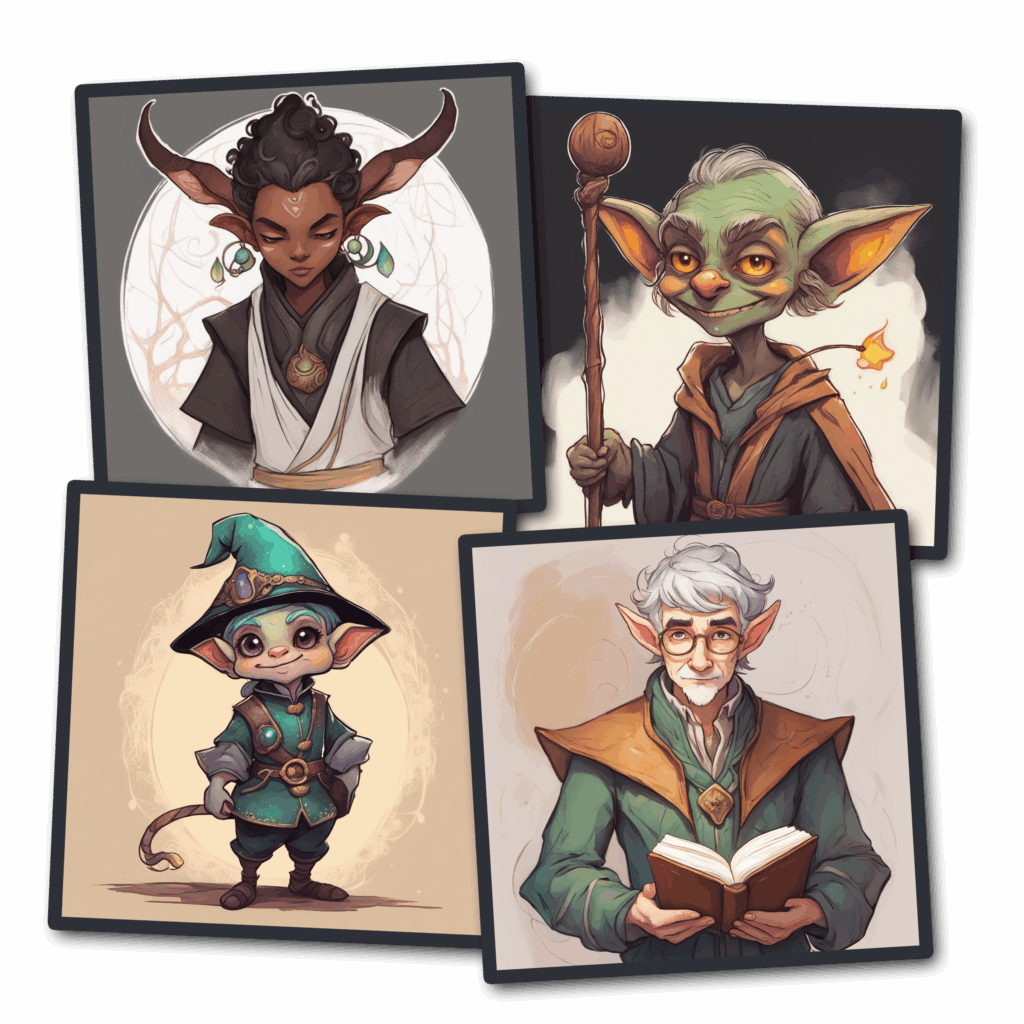
To achieve the look I wanted, the visual language of the cards would need to be as such…
- Each card suit would align to elements – earth, air, fire, water
- Within each suit, the hierarchy and/or age would increase from low to high (ex: a lower rank card could be a young elf apprentice, where a high rank could be an elder general)
- And then to add variety, I randomly mixed in roles (mage, scientist, barbarian, etc) and races (human, elf, tiefling, etc)
- Future decks could have a more unified set with certain themes, but I started with a mix so I could see a range of quality that would be generated as well as to give the pipeline a strong pilot test
“I would gladly risk feeling bad at times, if it also meant that I could taste my dessert.” – Data (Star Trek: The Next Generation)
I knew I wanted to make this workflow data-driven. If you have worked with me, I strive to make things as much data-driven as possible. Ideally a standard file format. Sure, there were in workflow custom nodes I could have used, but honestly, I didn’t feel those were scalable to the level I wanted. I did some quick searches and found a CSV solution that would work.
Basically, I pulled string data from 5 data tables to construct the positive and negative prompts (SDXL model). I built in some random selection when pulling the string data from those fields. (Spoiler alert, I have now moved on from this and built my own custom nodes that read and unpack JSONs – stay tuned for a future post).
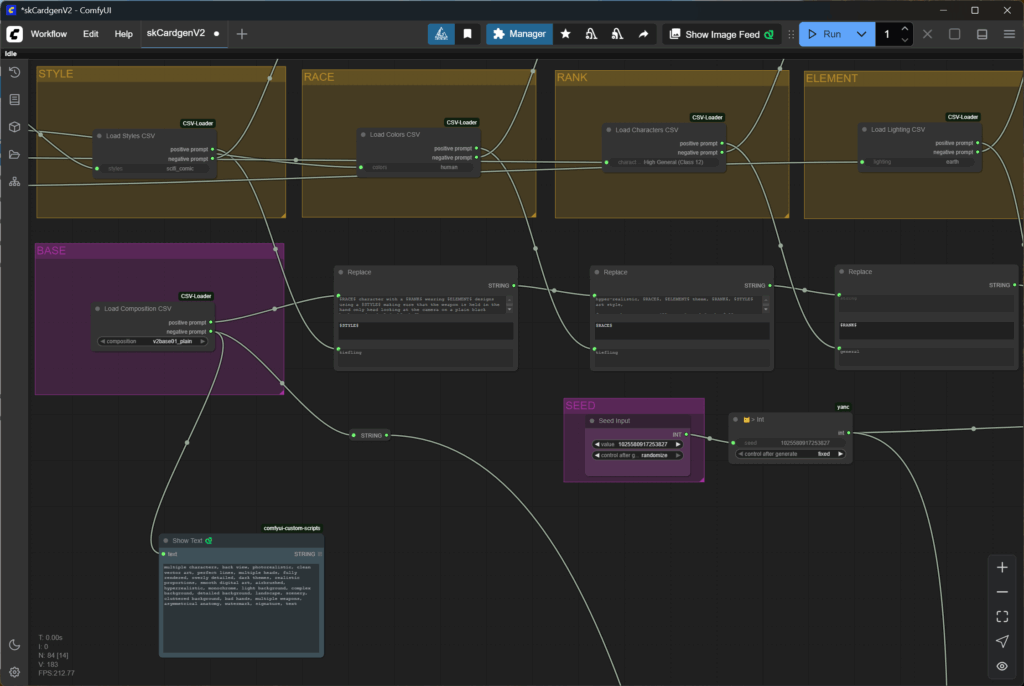
Let’s Not Play A Game Of 52 Card Pick Up…
The last piece to the puzzle was to find a way to loop through the workflow. I thought having 52 output nodes in a workflow might be a little excessive. (Again found a better way to do this for future projects) I wanted to rely on using existing custom nodes that were available. Using the custom nodes and some math, I eventually got the looping and reading from the CSVs working as I wanted. I was able to start the workflow and walk away for a little bit. It produced a nice visual range in most cases. A hierarchical range of 13 is pretty hard to distinguish between adjacent levels. If you have made a game where you had building upgrades (a la Clash of Clans), you know what I mean – it’s a challenge to get a distinguishable range for even 5 levels.
Example Generated Content
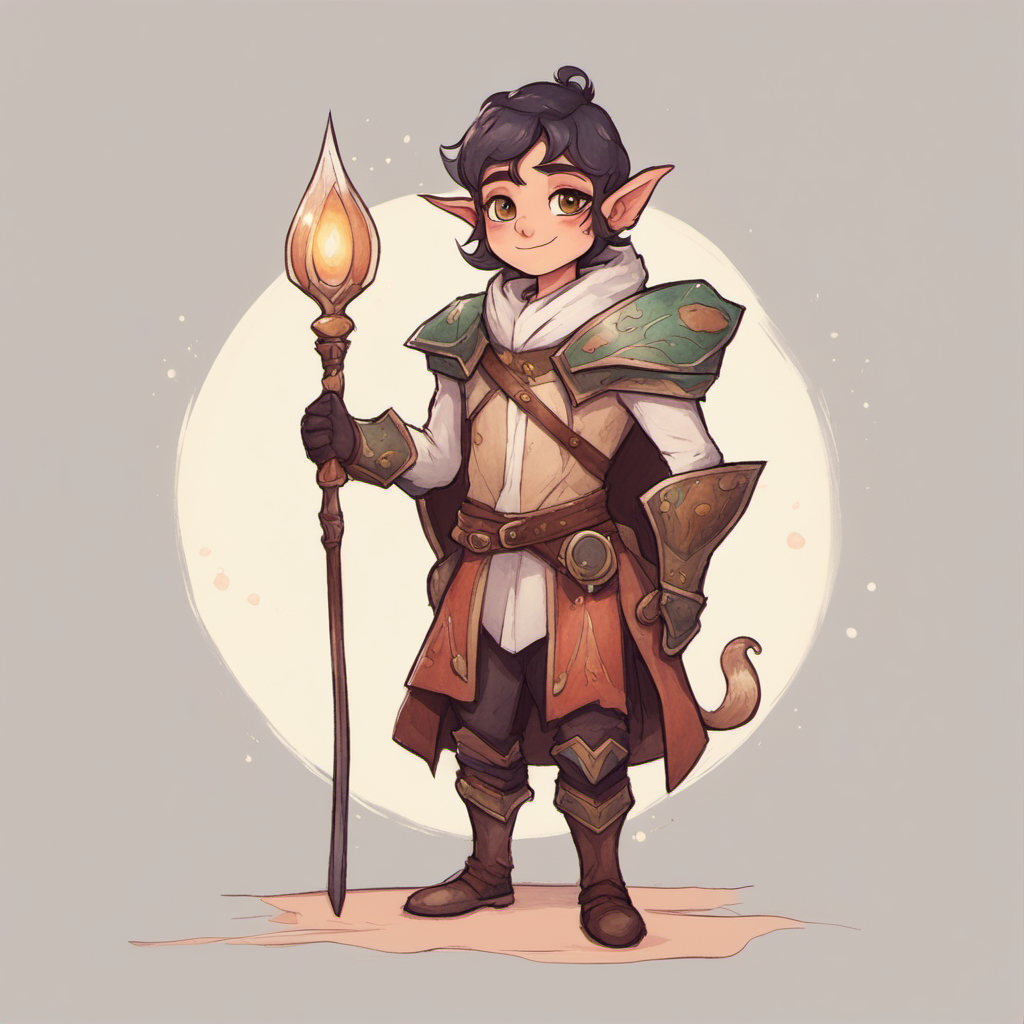
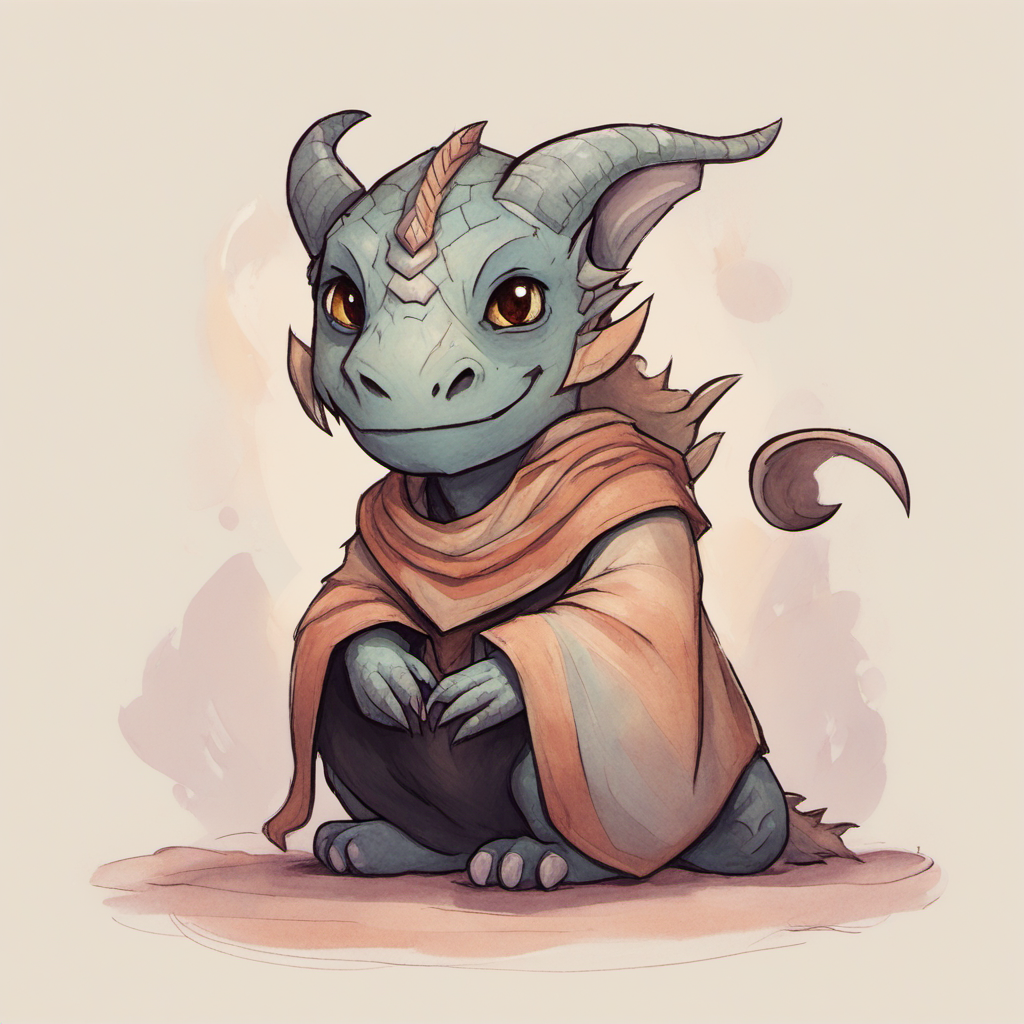
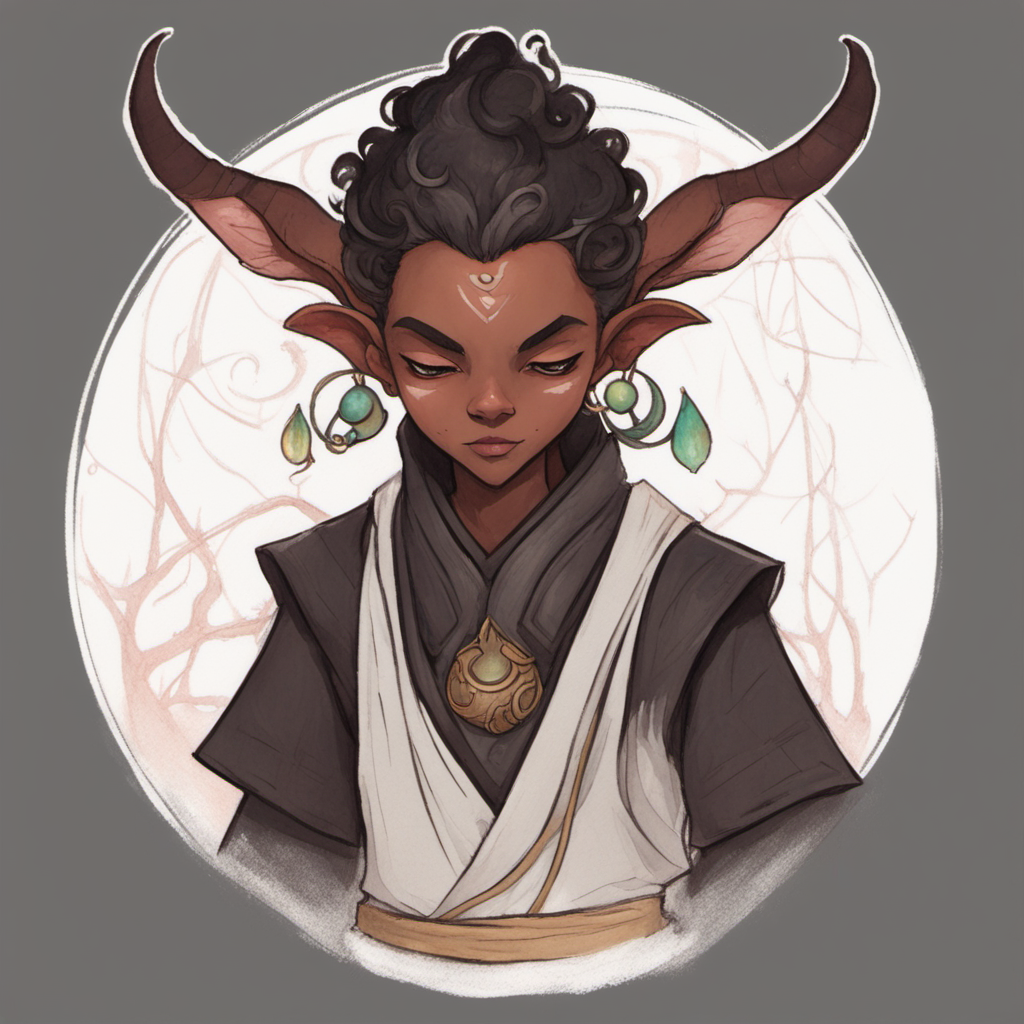
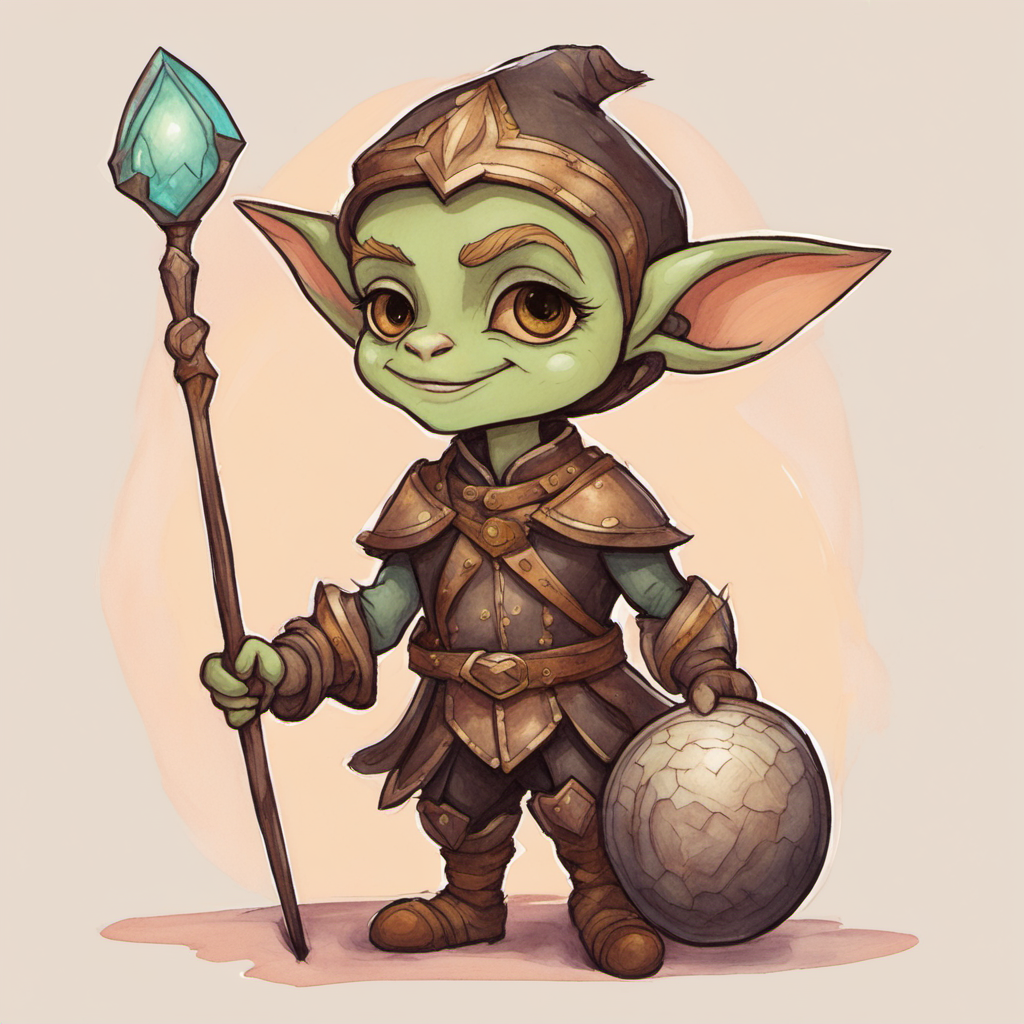
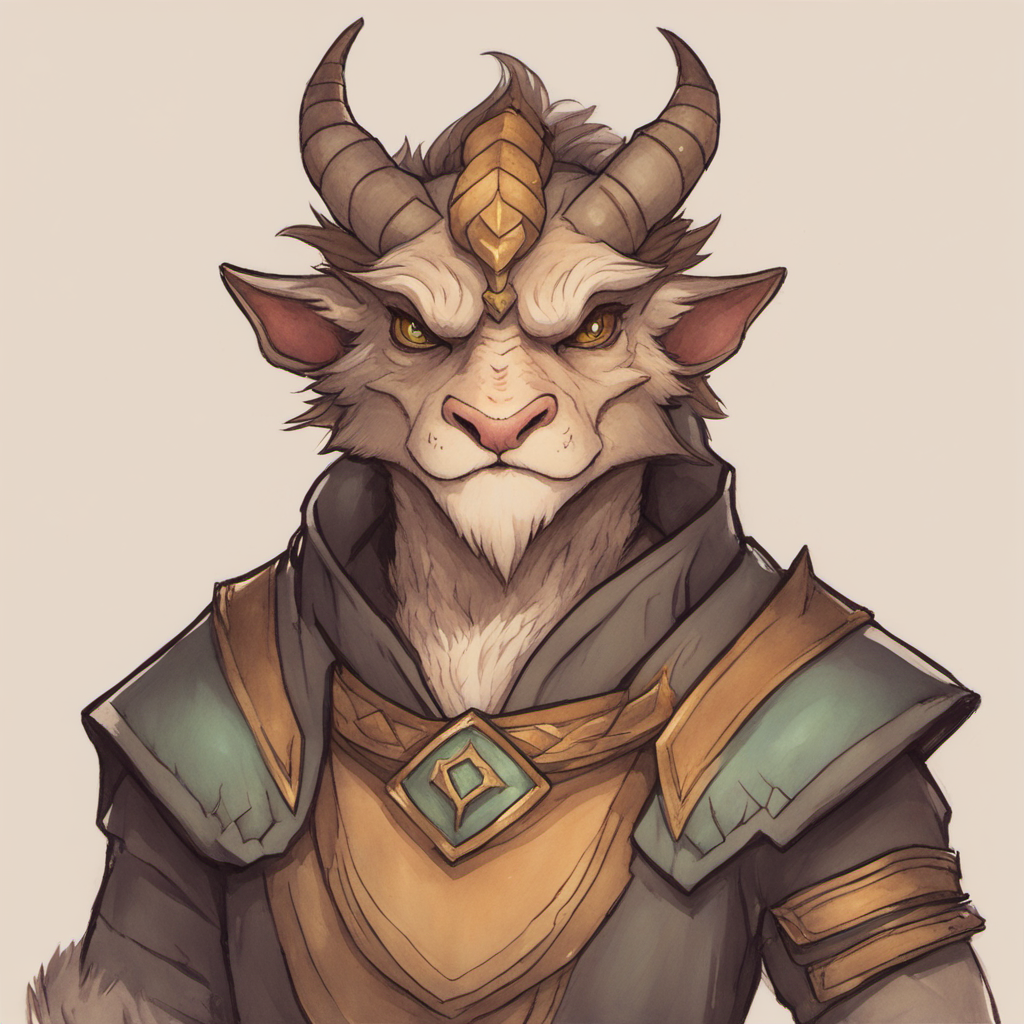

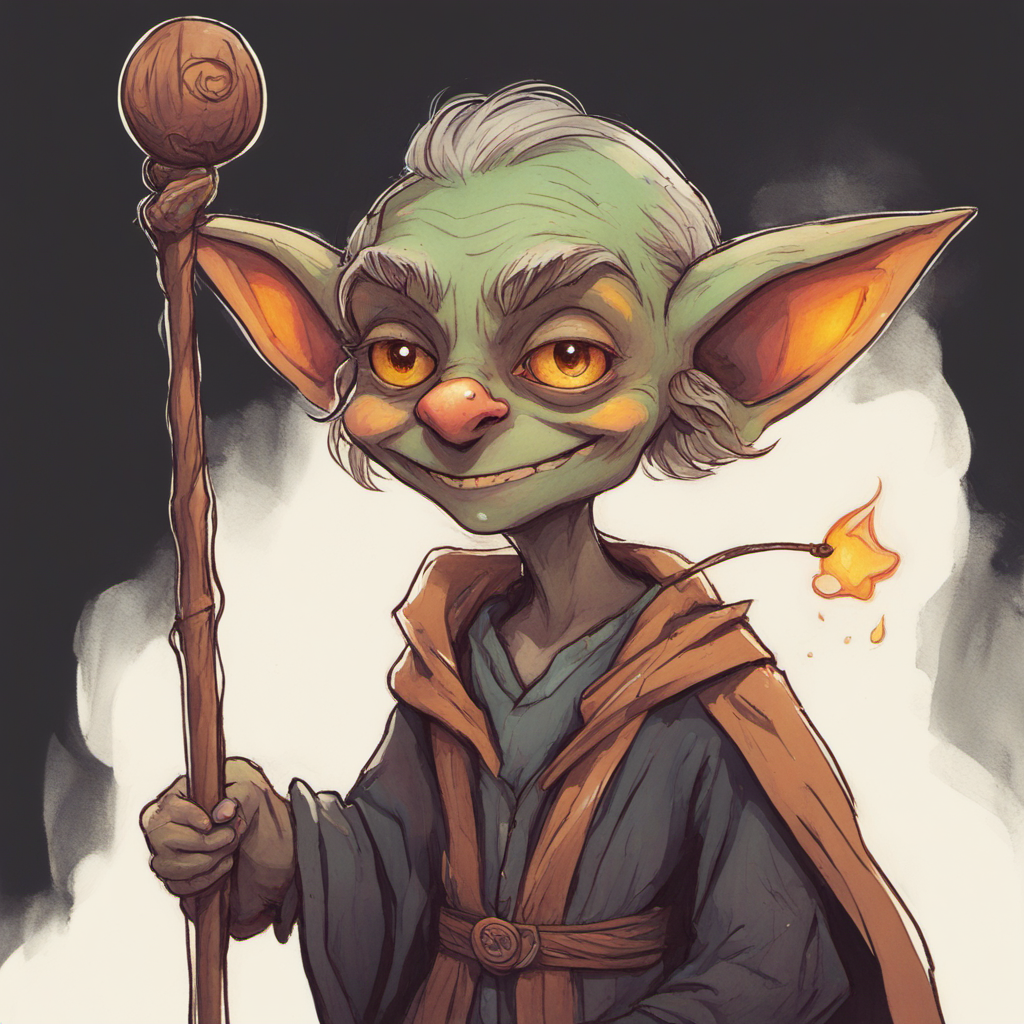
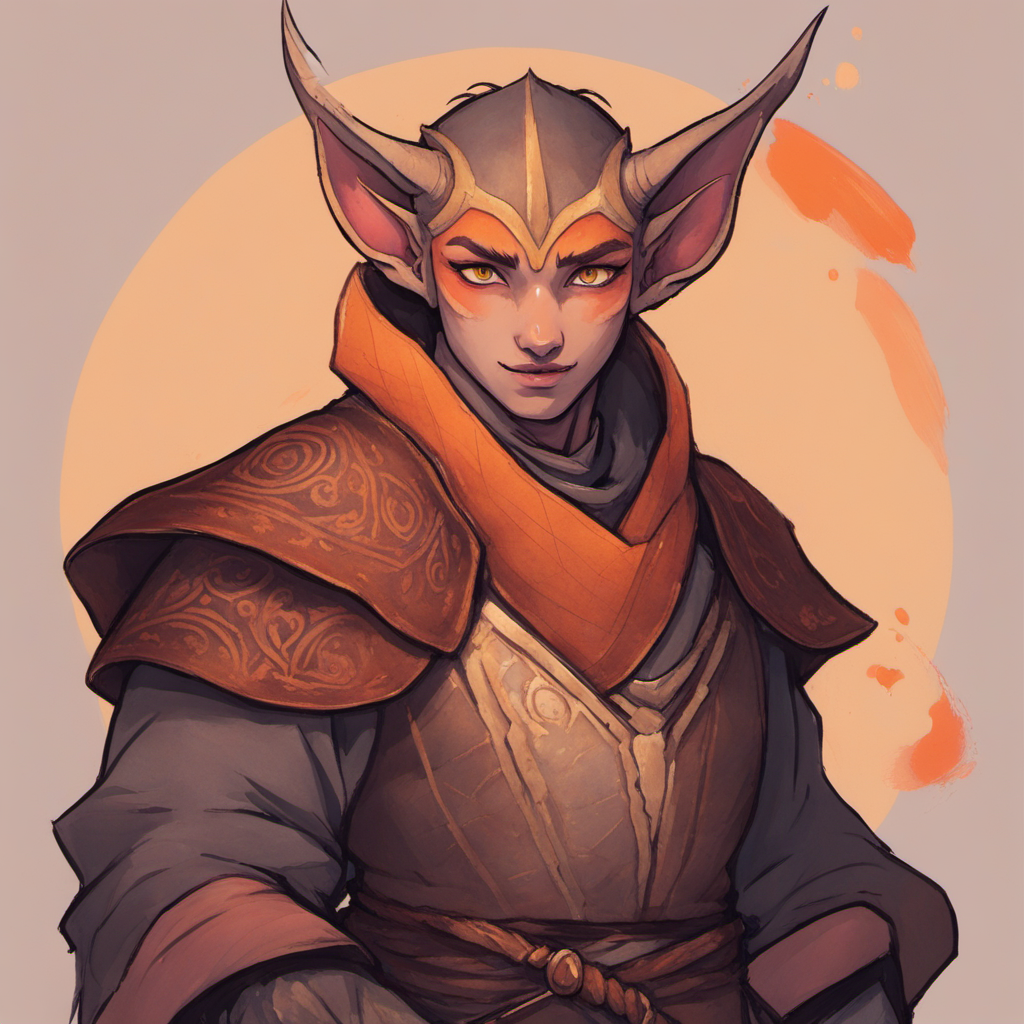
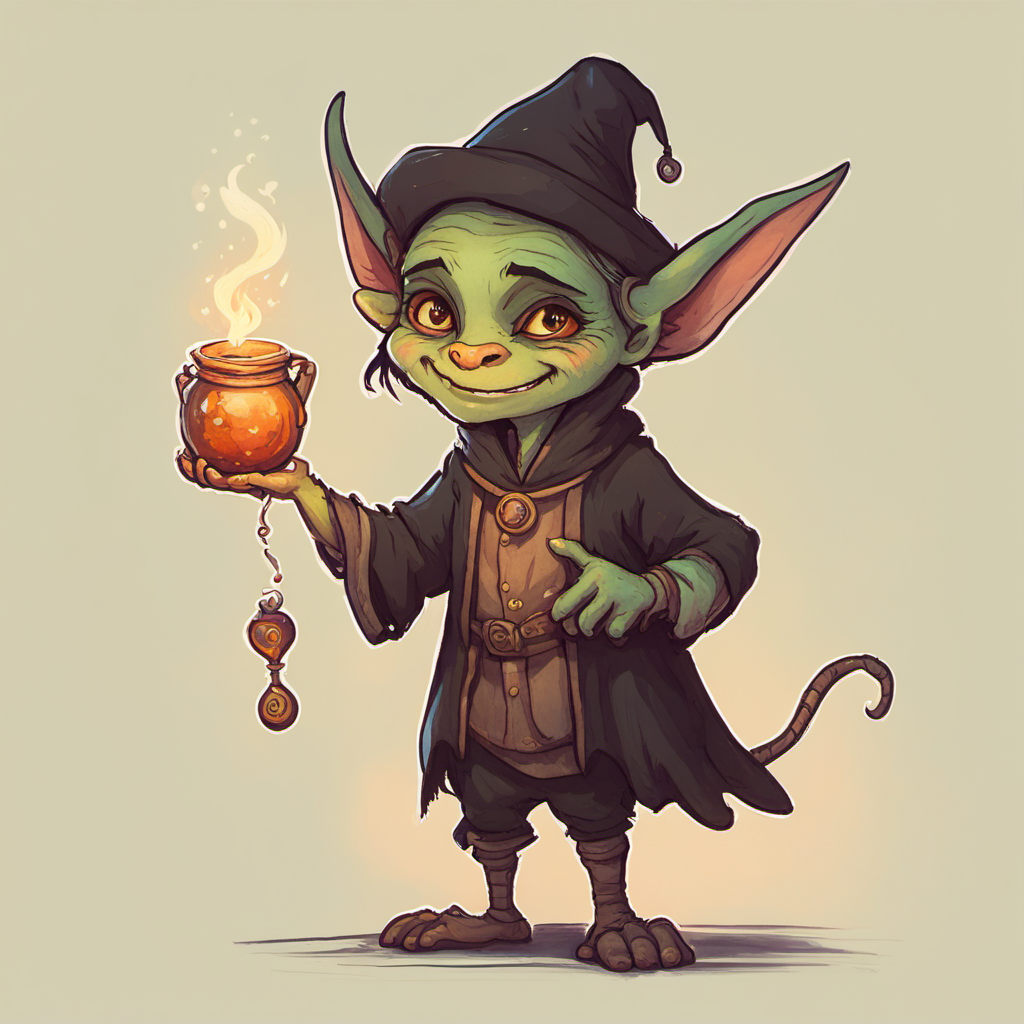
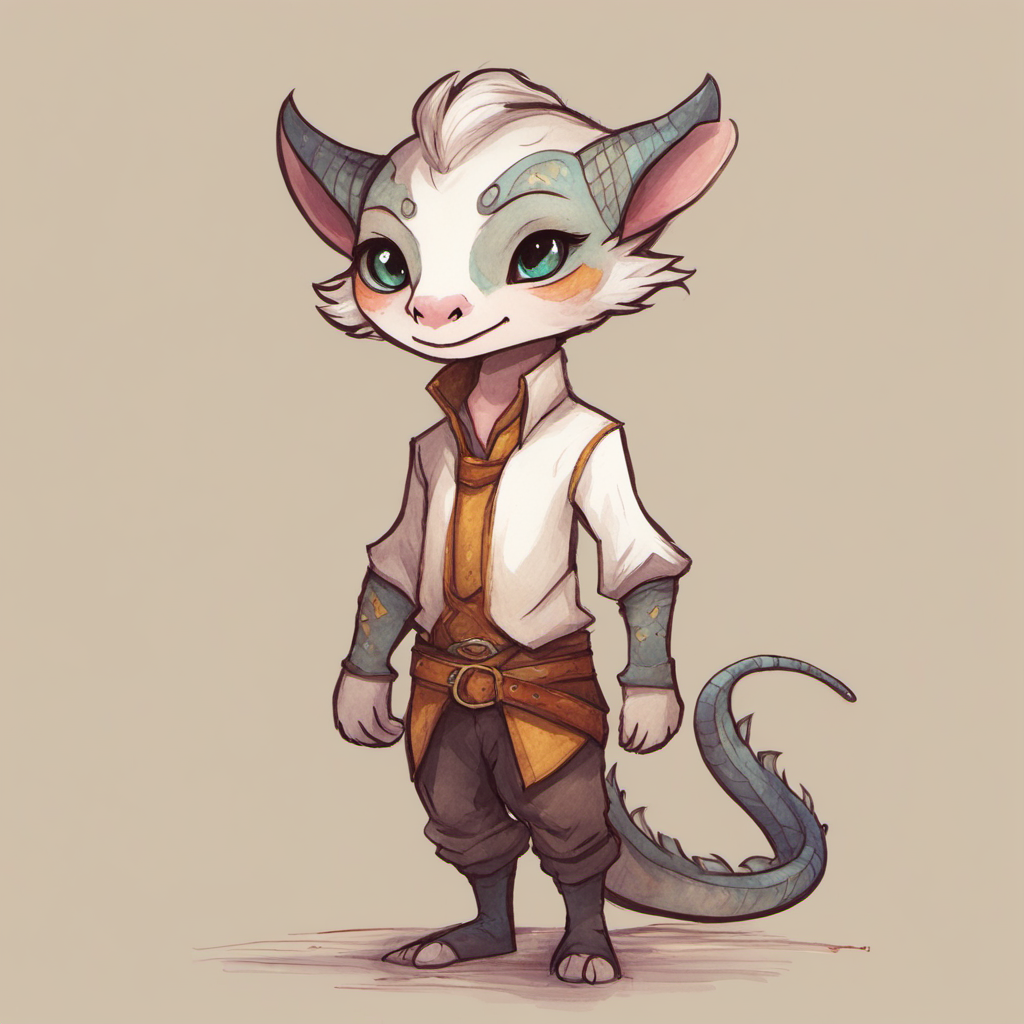
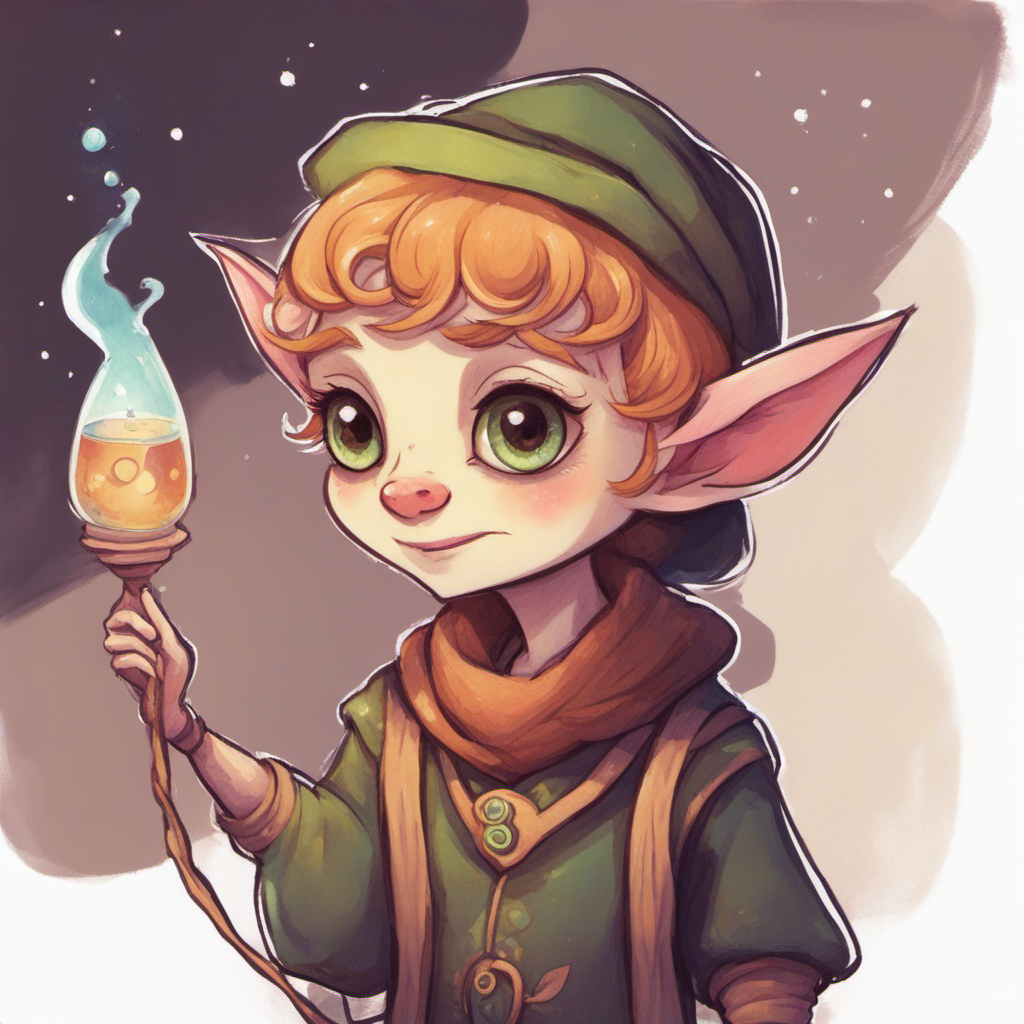
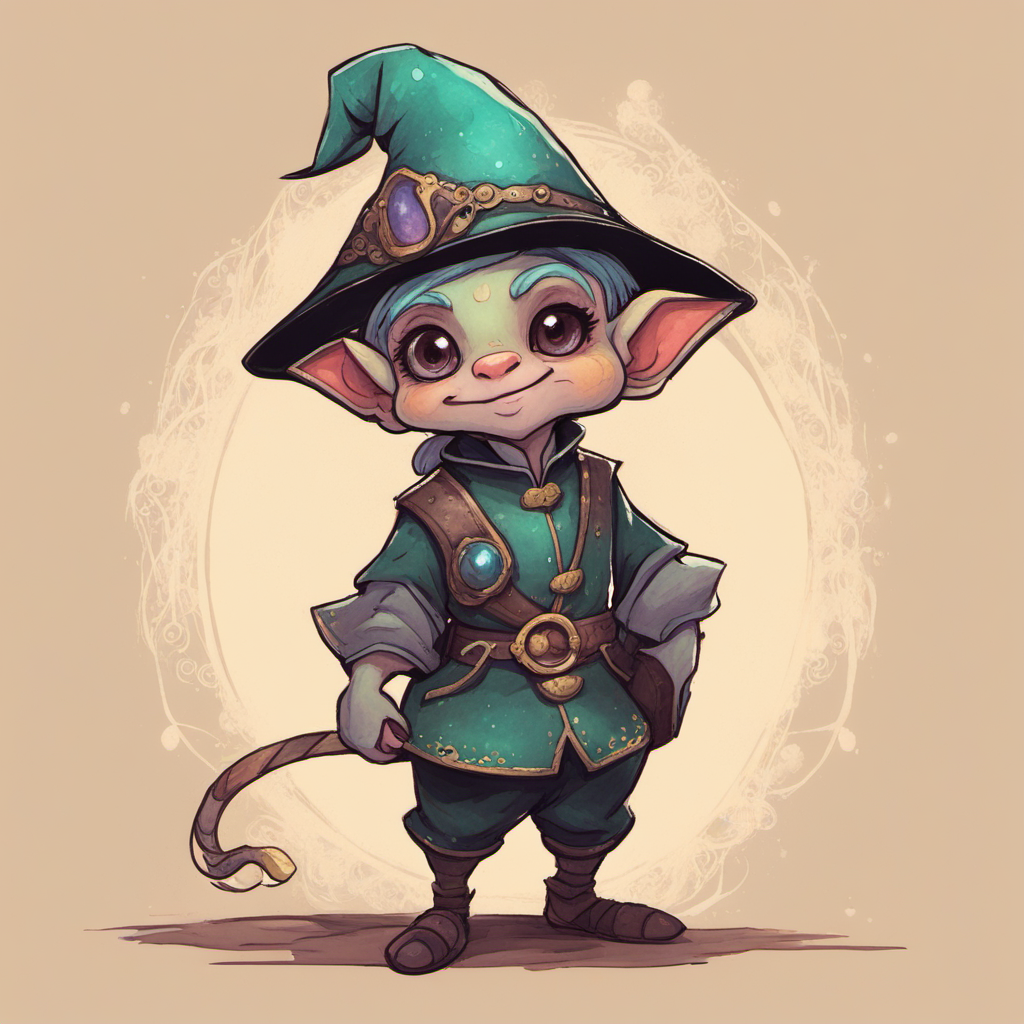
Anyway, this was a fun project. I learned a bunch about ComfyUI from a art pipeline perspective. I wasn’t focused on producing the perfect image, but learned what I wanted to learn so I could build more useful & scalable ComfyUI workflows. I can’t wait to share the next one I’m working on where I have built my own custom nodes in python using JSON as a data model to produce a wide range of content.